Practice — the rehearsal space
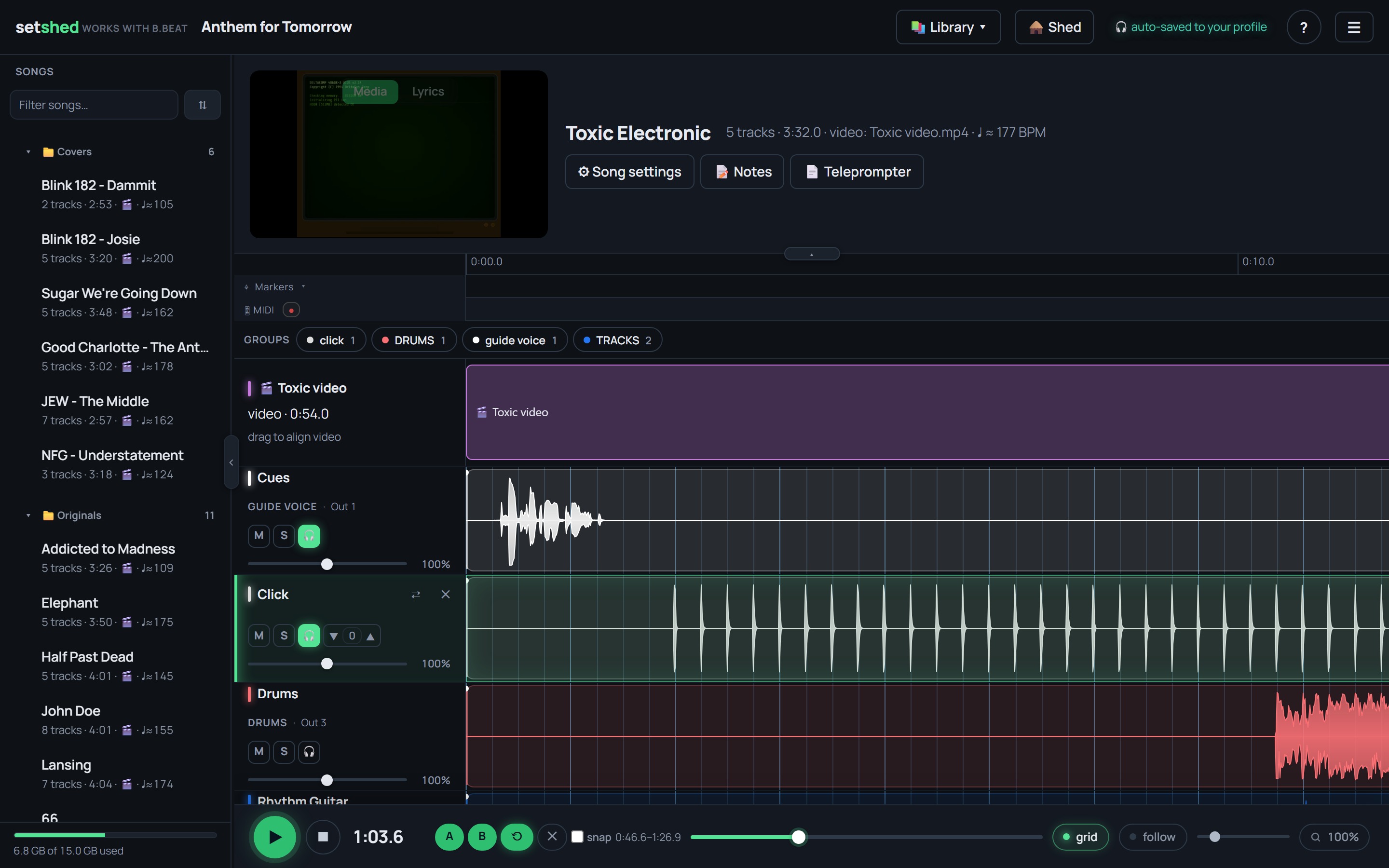
The 🎧 button (bottom right of the editor) flips you into your own practice room. The green ribbon means: nothing you do here saves to the band or the B.Beat.
- Your mix, not the band's — mute your part, ride faders, solo what you're learning.
- Personal transpose — shift a song to your voice; the band's key doesn't move.
- A–B loop — drill the hard bars; the loop snaps to the beat grid.
- Metronome and chromatic tuner built into the rehearsal ribbon.
- Even levels (on by default here): every song is brought to the same loudness, a quiet verse and a loud chorus sit closer together, and peaks are held back so the level knob has real range without clipping. It works the same whether the browser or your amp is playing the backing. Monitor only: the band's mix and the B.Beat are untouched. Switch it off to hear the mix exactly as the device plays it.
- Rehearse this set — run a whole show's order inside your practice space.
- Your setup auto-saves to your profile and follows you between sessions.
Live amp tone
With the desktop agent installed, your guitar runs through a real amp+cab simulation — Neural Amp Modeler captures, including lightweight A2 models — right over the backing tracks. A stock library of 260+ amps and 430+ cabs ships with it, and any .nam file drops straight in (captures from community libraries like TONE3000, or ones you train yourself). Full-rig captures bring their cab and loudness along automatically. Build the chain — gate, amp, EQ, cab — and save named rigs. Your rig is personal and follows you between computers.
A rig per song. Clean for one, high gain for the next: set the amp up how you want it, then 🎚 Save rig to song. That song opens with it every time. Songs without one use your own rig, so you're never left on the last song's tone. Personal like the rest of the rehearsal space — your bandmates and the B.Beat are unaffected.
The amp's audio device (⚙ in the amp panel, Windows helper only) has three things worth knowing. Windows apps while the amp is on: Shared, the default, keeps other apps playing; Exclusive buys a few milliseconds of latency and silences them, the browser's video sound included. measure sends a short burst out of the amp and times its return, so you see your real round-trip latency rather than the driver's estimate; it needs an output patched back to the guitar input, or a mic in front of the speaker. Record in OBS gives you an address to paste into one OBS Browser Source, and the amp shows up in OBS's mixer with nothing installed.